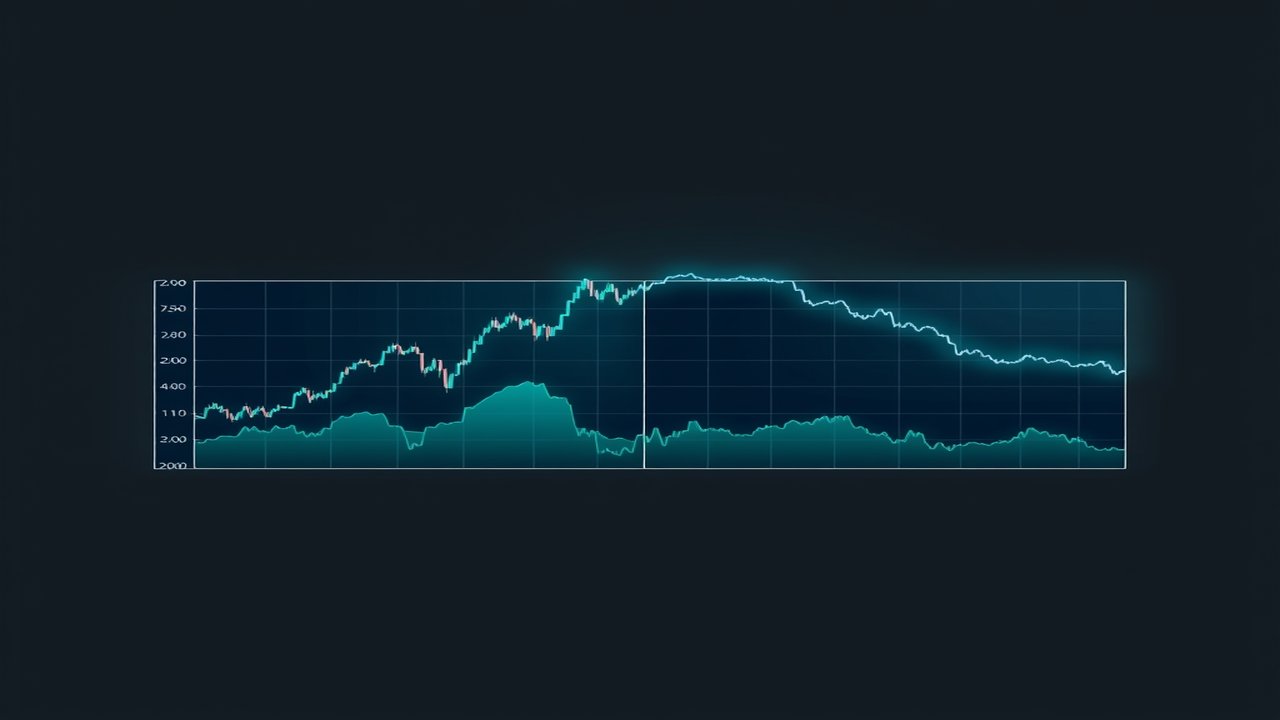
Understanding the Multi Divergence Indicator for MT4 & MT5 Traders
The Multi Divergence indicator is a powerful tool designed for both MetaTrader 4 and MetaTrader 5 platforms. You can find the MT5 version here. This indicator is tailored for retail traders looking to enhance their trading strategies through the identification of divergences between price movements and momentum indicators such as RSI, CCI, and MACD.
Key Features of Multi Divergence
- Identifies divergences to help forecast potential market reversals or continuations.
- Integrates seamlessly with popular momentum indicators, improving trading decisions.
- Offers visual signals for easy interpretation of market conditions.
How Multi Divergence Works
The Multi Divergence indicator analyzes the relationship between price movements and various momentum indicators. By spotting divergences, it provides traders with insights into potential shifts in market momentum. This insight can be crucial for making timely and informed trading decisions.Input Settings for Customization
The Multi Divergence indicator comes with a variety of input settings that allow traders to customize its functionality according to their preferences. Below are the key input parameters:General Display Settings
These settings adjust the visual presentation of the indicator, enhancing its usability on your trading charts.
| Parameter | Type | Default | Description |
|---|---|---|---|
| Line style | ENUM | STYLE_SOLID | Determines the style of lines displayed by the indicator for better visibility. |
| Line width | int | 2 | Adjusts the thickness of the lines on your chart. |
| Background line | bool | false | Enables background lines for better level visualization. |
| Highlight to move | bool | true | Allows lines to be selected and moved for interactivity. |
| Line's continuation to the right | bool | false | Extends lines into future bars to visualize potential support/resistance. |
| Hidden in the object list | bool | true | Keeps the indicator hidden from the object list to reduce clutter. |
| Max bars back to draw lines | int | 500 | Limits the number of historical bars analyzed for line drawing. |
Zigzag Settings
This section allows you to configure the Zigzag component, which plays a crucial role in identifying significant price movements.
| Parameter | Type | Default | Description |
|---|---|---|---|
| Support Resistance TF | ENUM | PERIOD_CURRENT | Sets the timeframe for the Zigzag indicator, impacting analysis results. |
| ZigZag Depth Lower | int | 5 | Defines the minimum number of bars for Zigzag calculations. |
| ZigZag Deviation Lower | int | 5 | Sets the minimum price change to confirm a Zigzag move. |
| ZigZag Backstep Lower | int | 3 | Specifies the number of bars that must be retraced for confirmation of a Zigzag point. |
Display Settings
Customize the colors of various indicators to enhance clarity on your charts.
| Parameter | Type | Default | Description |
|---|---|---|---|
| RSI Color | color | clrBlue | Defines the color of the RSI line for easy differentiation. |
| CCI Color | color | clrAqua | Sets the CCI line color for improved visibility. |
| MACD Color | color | clrOrchid | Customizes the MACD line color for better chart integration. |
| STOCHASTIC Color | color | clrBeige | Sets the Stochastic line color for enhanced clarity. |
| Awesome Oscillator Color | color | clrBisque | Defines the color for the Awesome Oscillator line. |
| MFI Color | color | clrBlueViolet | Sets the color for the MFI line to improve visibility. |
Usage Tips for Multi Divergence
- Regularly review the settings to ensure they align with your trading strategy.
- Combine the Multi Divergence indicator with other technical analysis tools for a comprehensive market view.
- Utilize the visual signals effectively to make timely trading decisions.
Download Links
For those looking to enhance their trading experience, download the Multi Divergence indicator: